
Qurious
Lexcode Inc.
Design - Launch: 8 months
Product Designer
7 min read
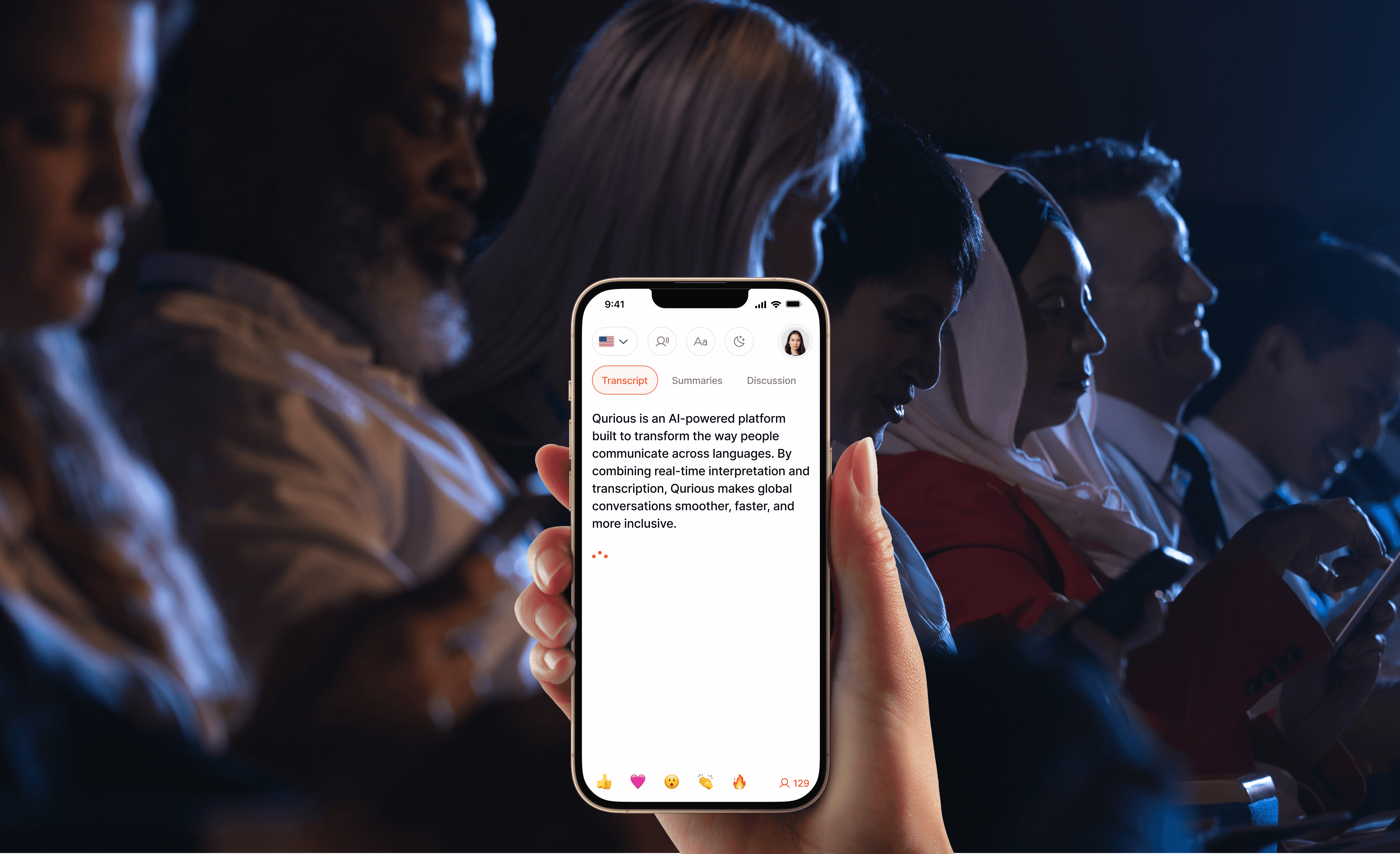
CONTEXT
The Traditional Interpretation
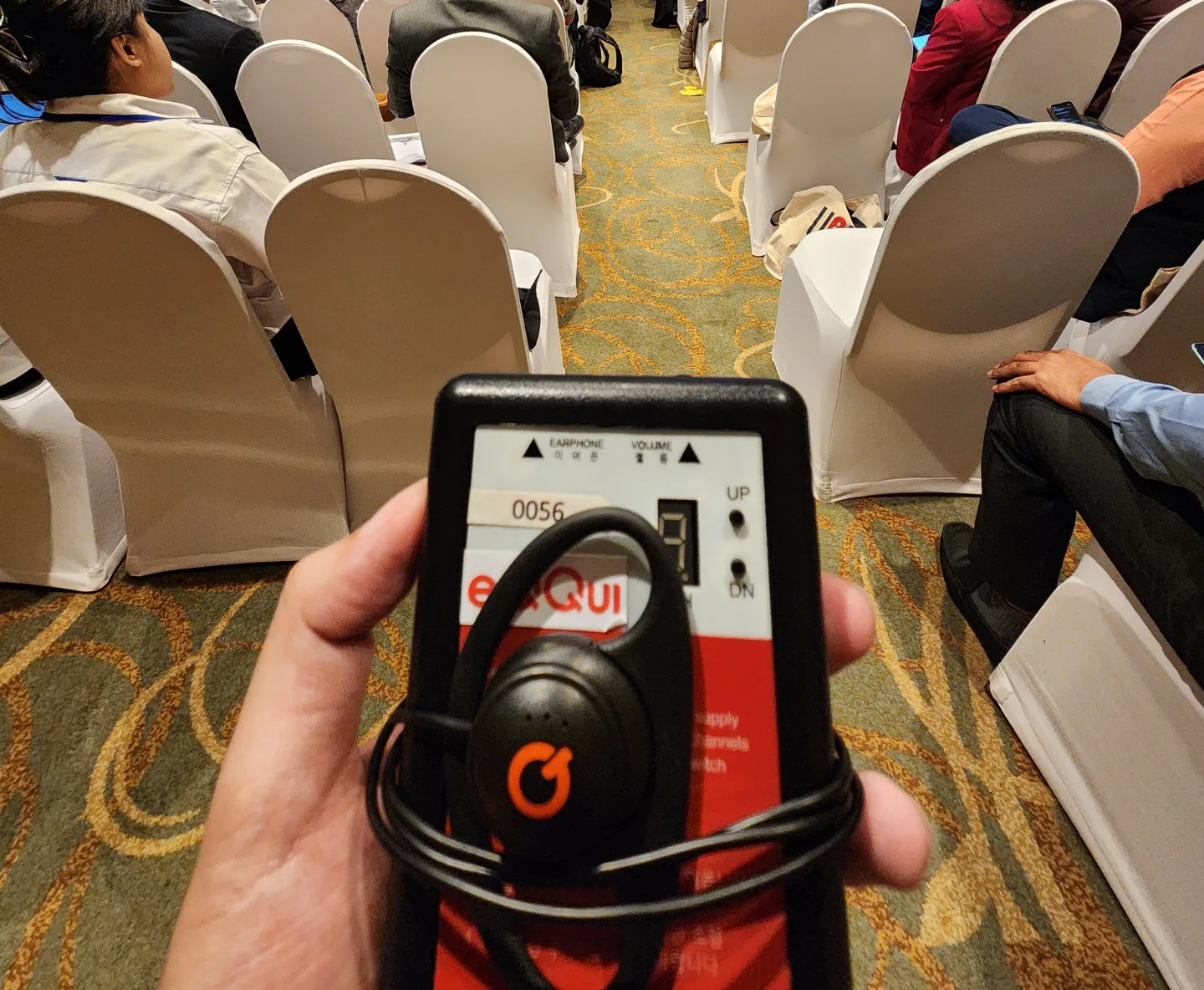
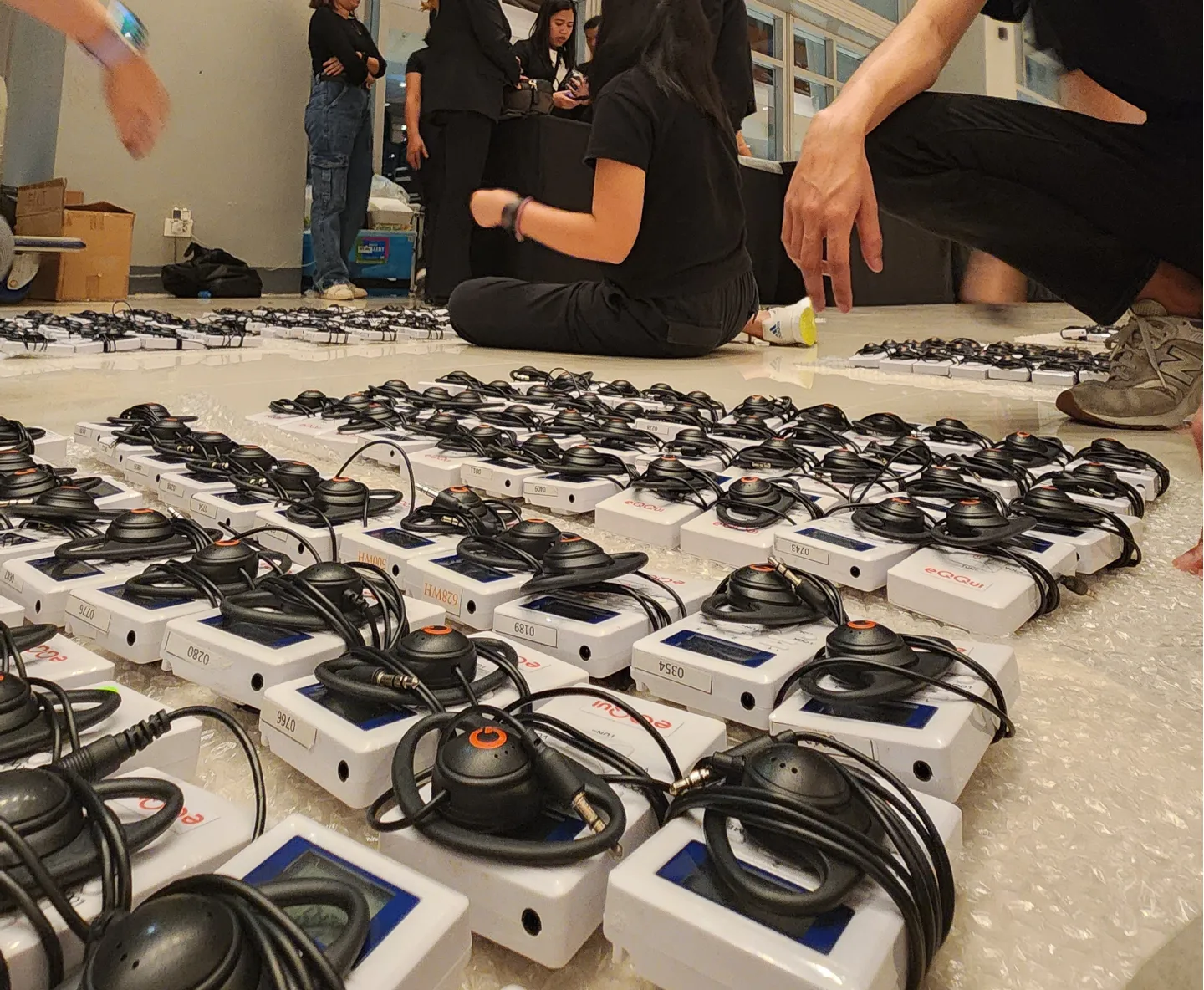
Our interpretation service has long been a staple for large-scale international events. Traditionally, the workflow was hardware-intensive, requiring the recruitment of specialized interpreters and the distribution of physical receiver devices to audiences. Audiences would have to manually tune into specific channels to access their preferred language.
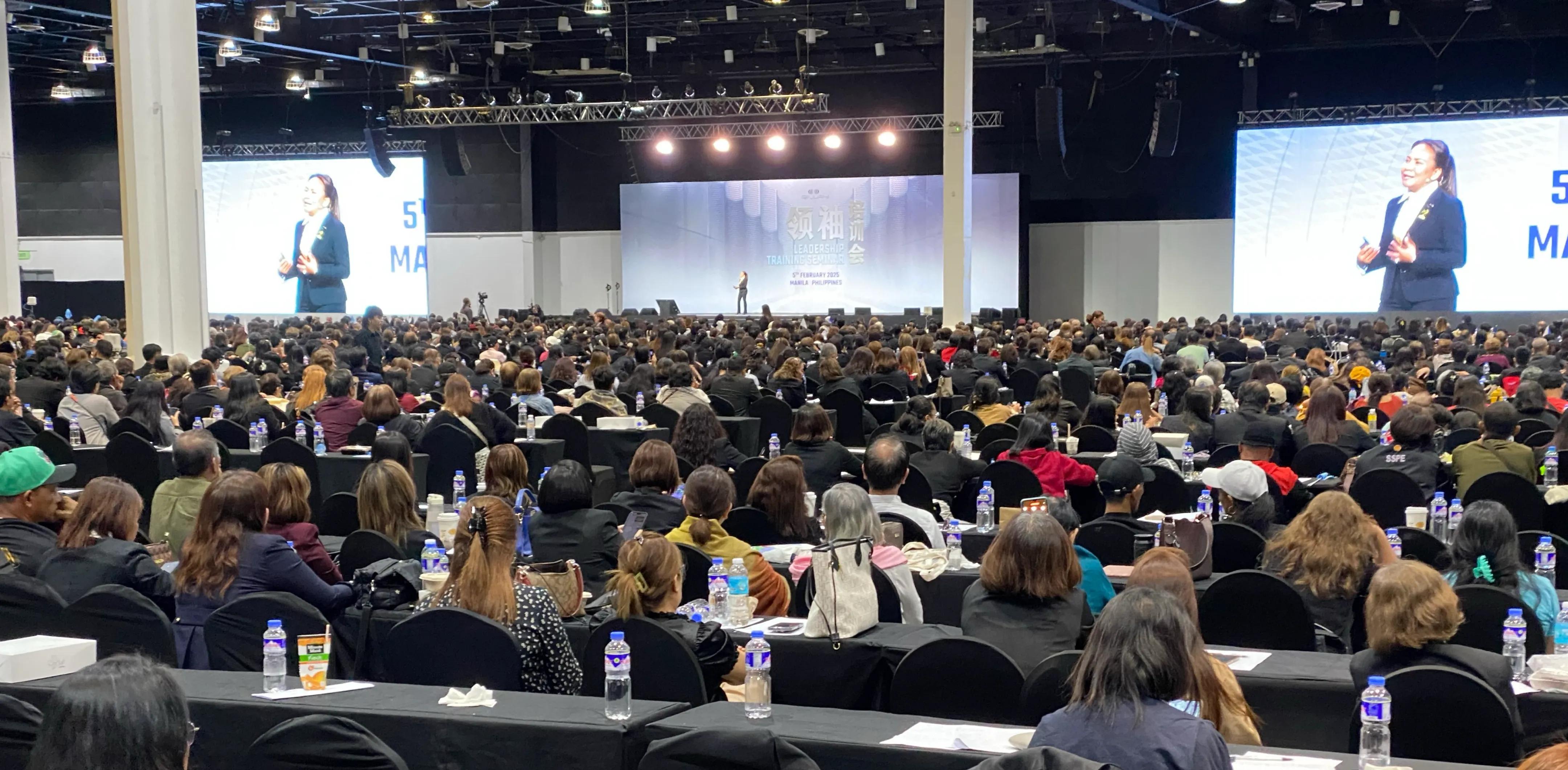
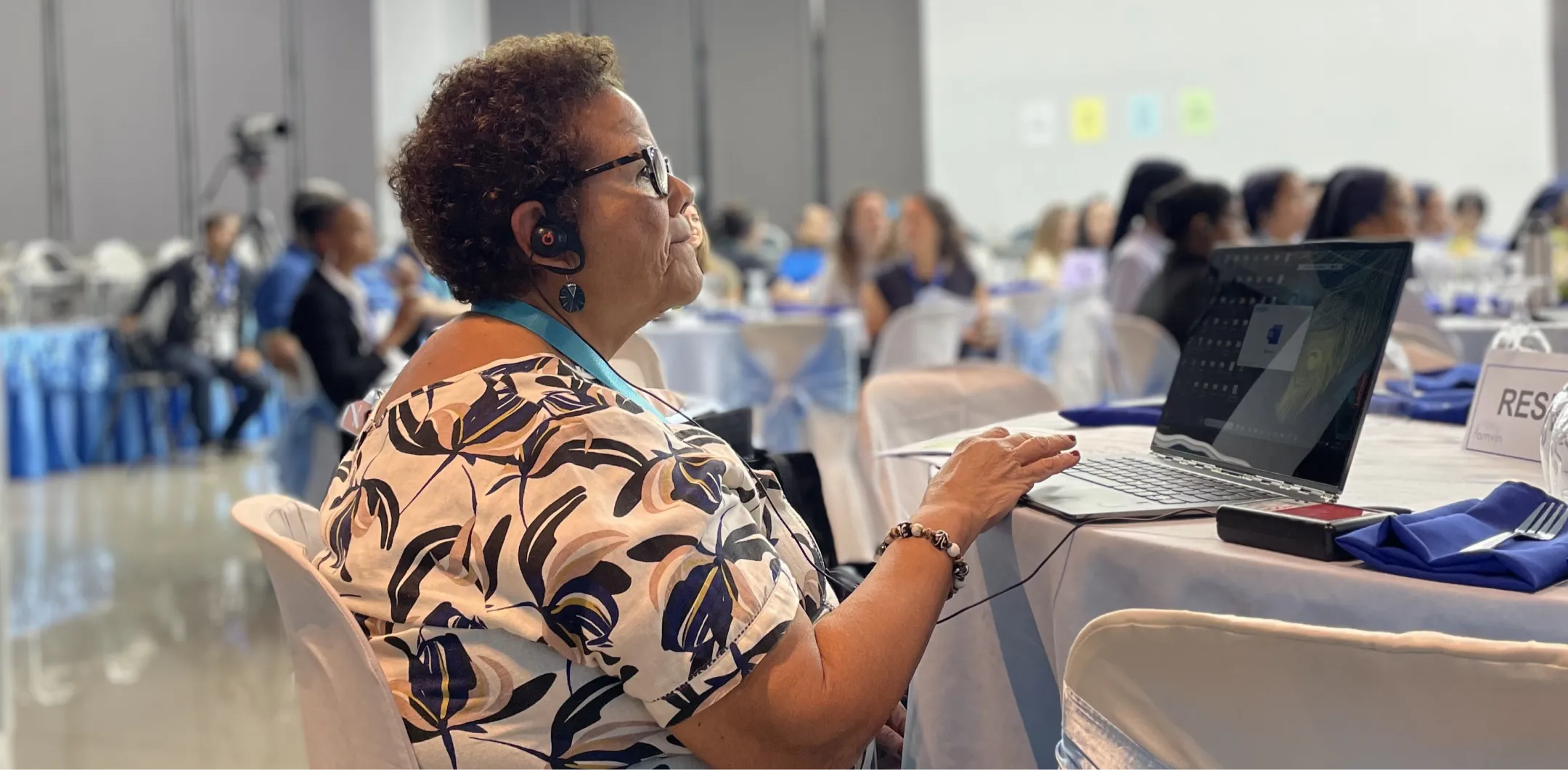
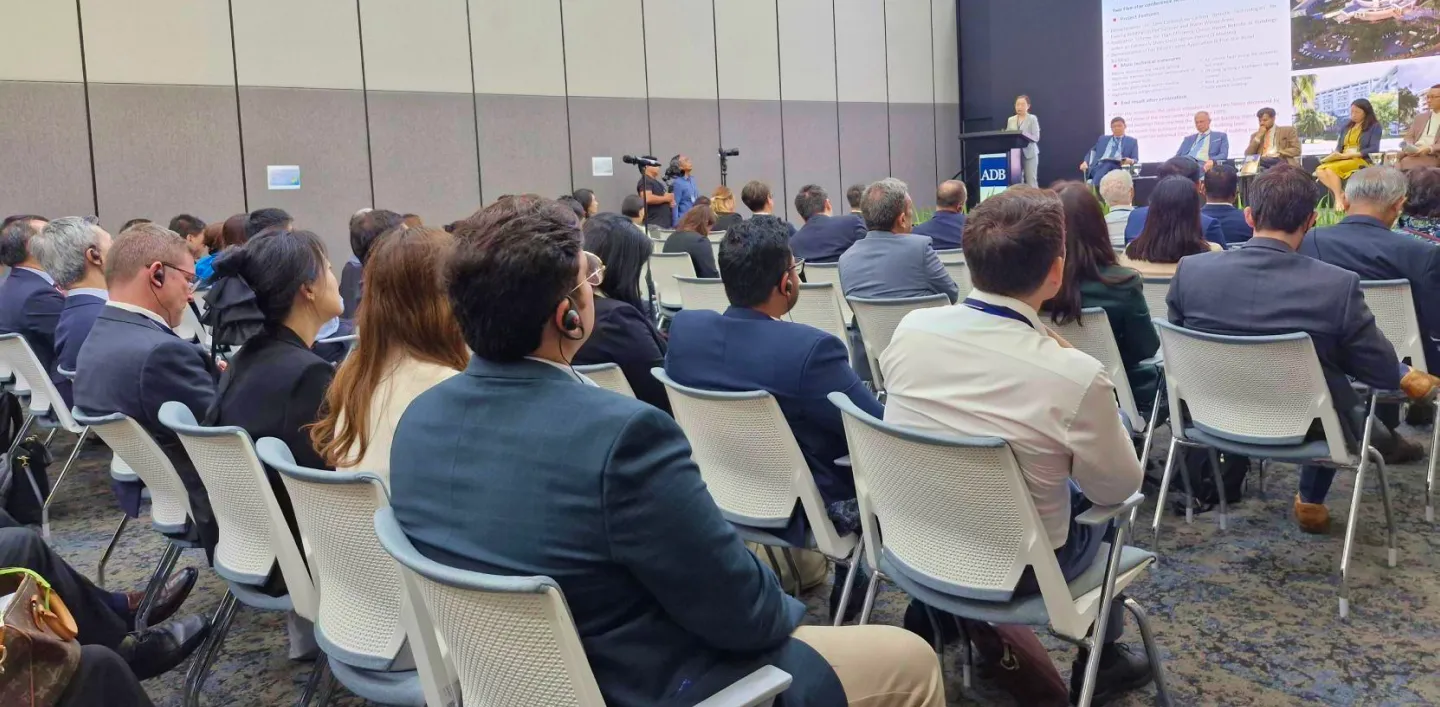
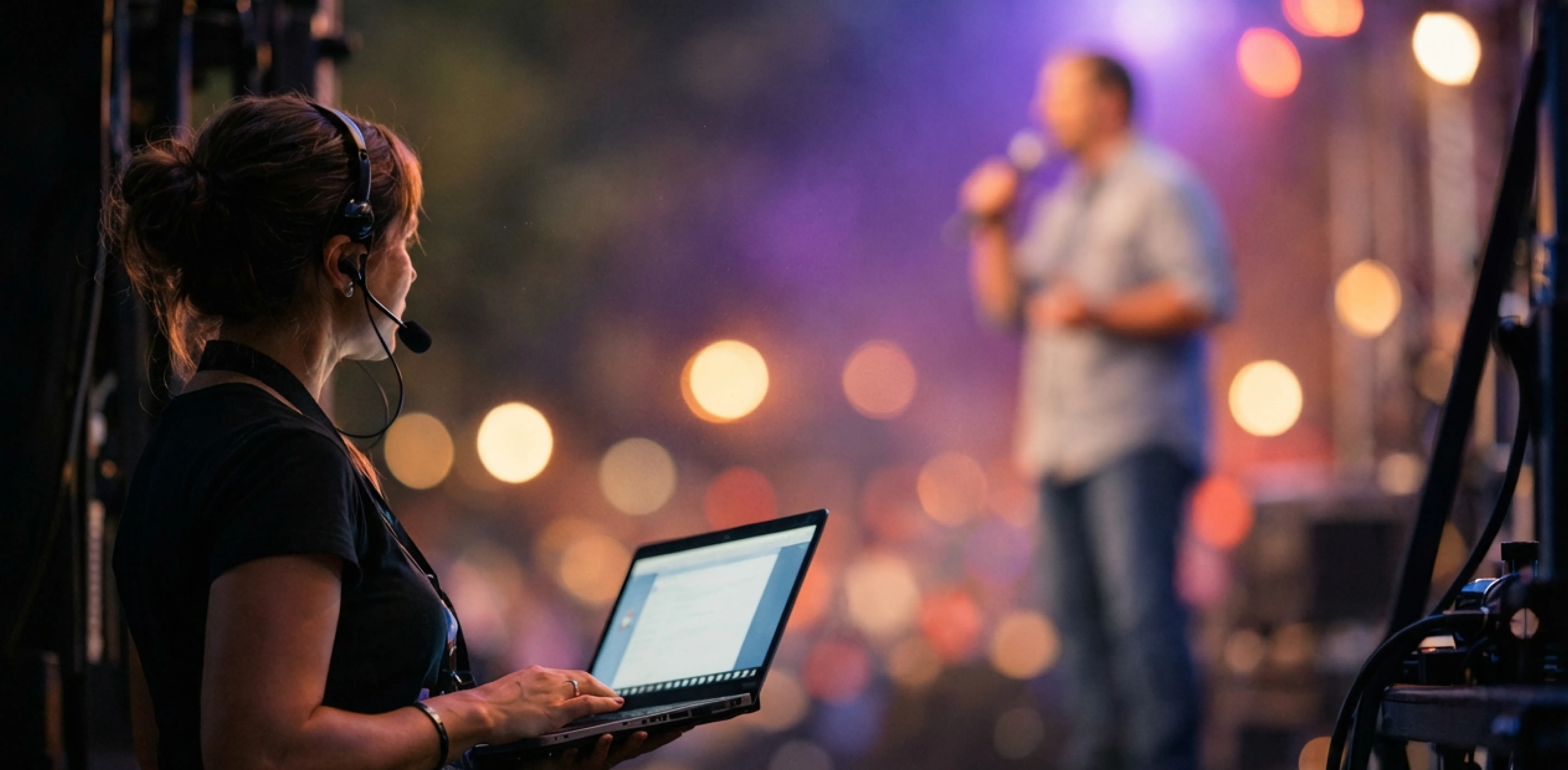
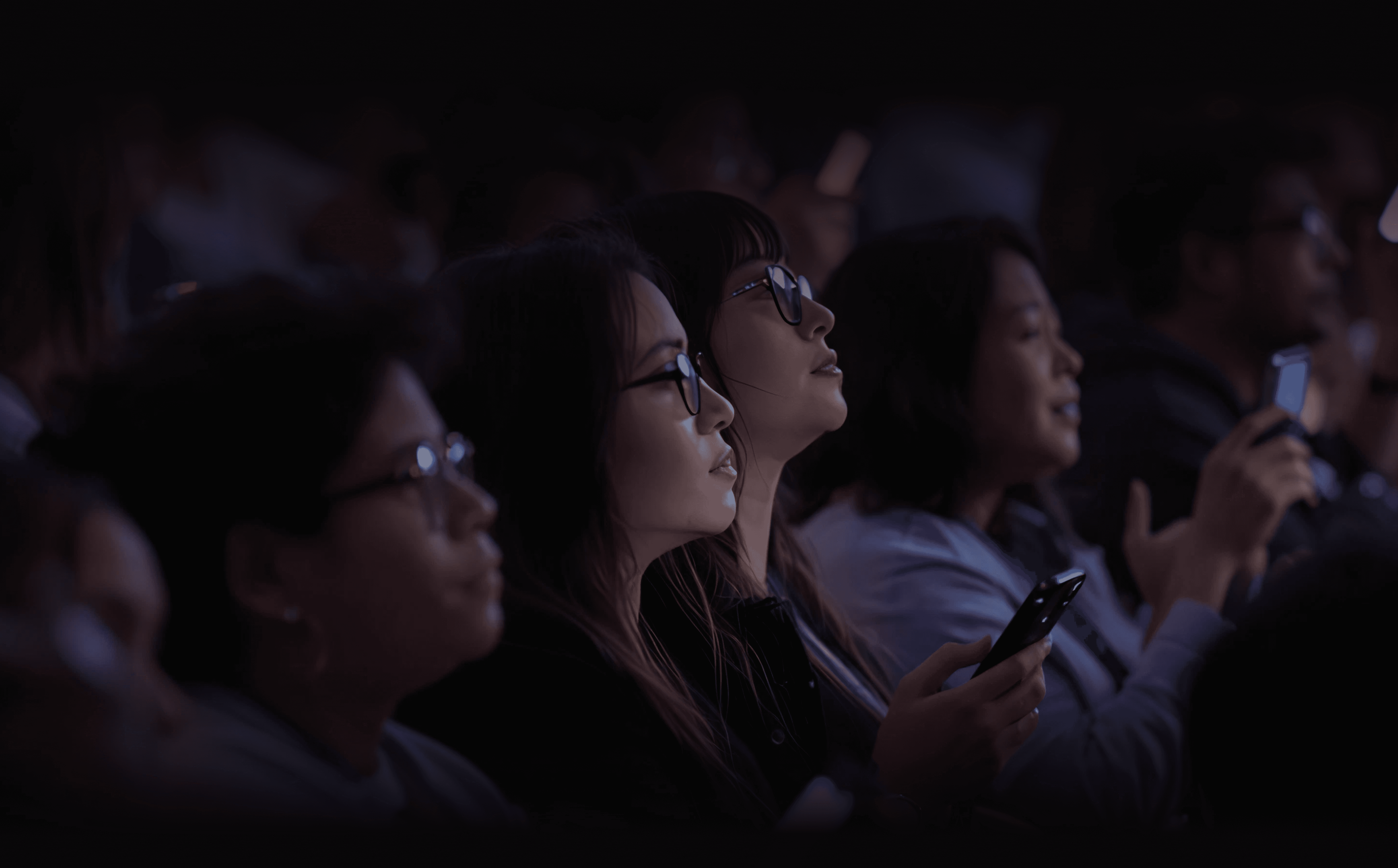
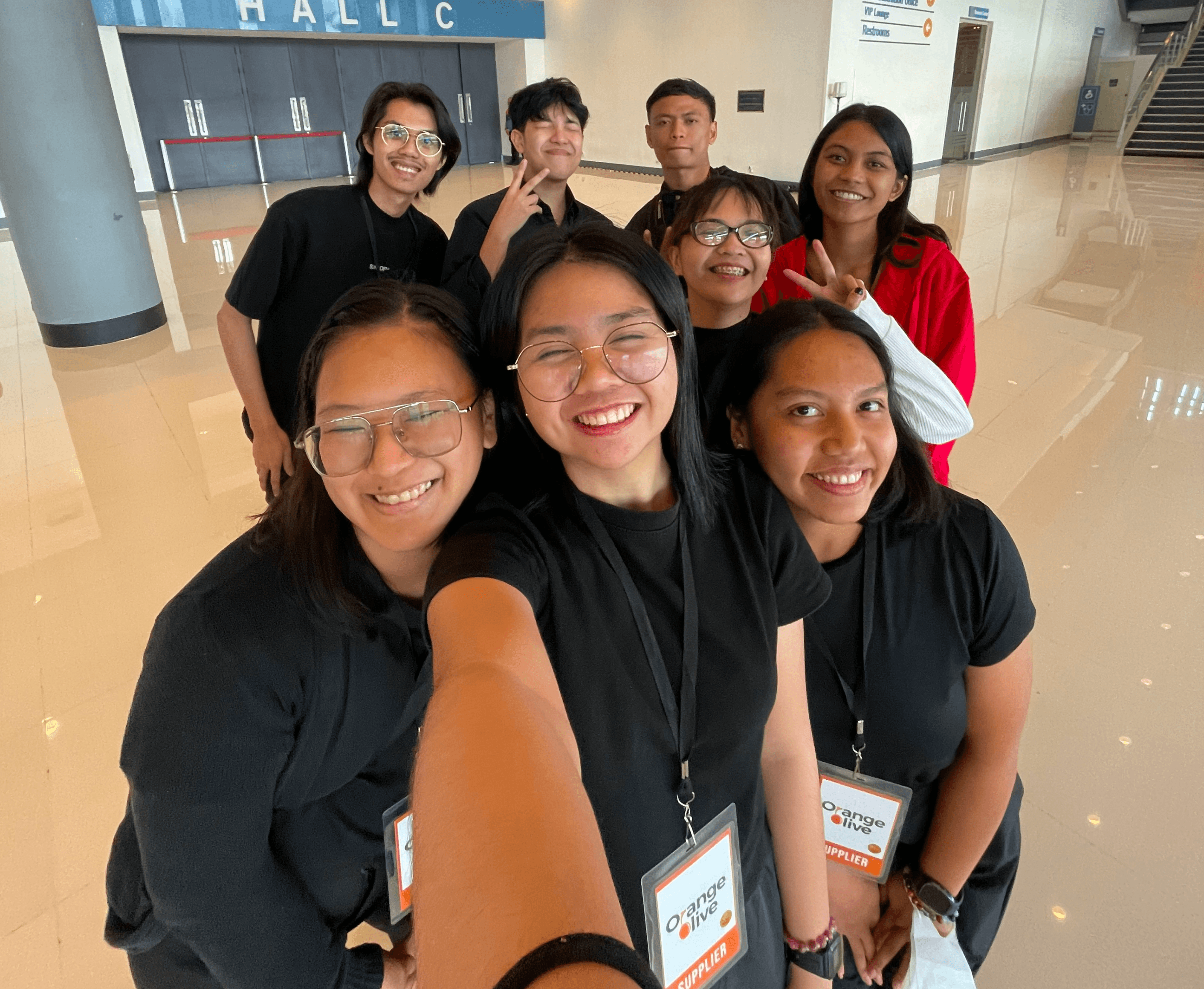
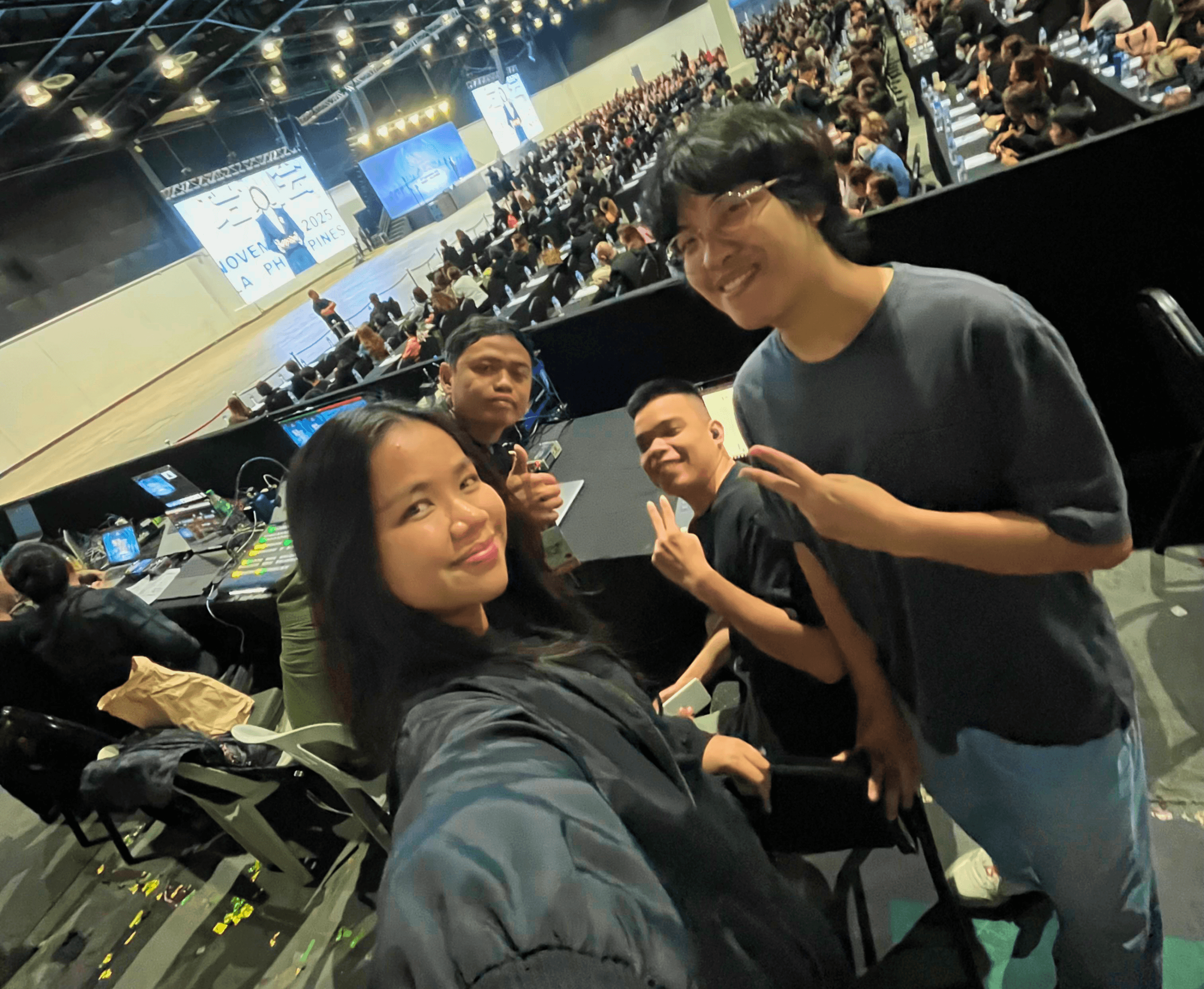
On every large event with over thousands of audiences, I assisted our interpretation team on the ground, and here, I witnessed physical hardware constraints created significant friction for audiences.
PROBLEMS
Lack of user familiarity with receiver device
A significant portion of attendees are unfamiliar with how to properly operate the translation receivers.
Hearing impairment is left out of the equation
The receiver device relies entirely on audio output, offering no alternative for attendees with hearing difficulties.
Equipment shortage
Insufficient quantities of translation devices mean not all attendees who need them can access this service. This creates an equity issue where some participants are excluded from full event participation.
Loss of audience engagement
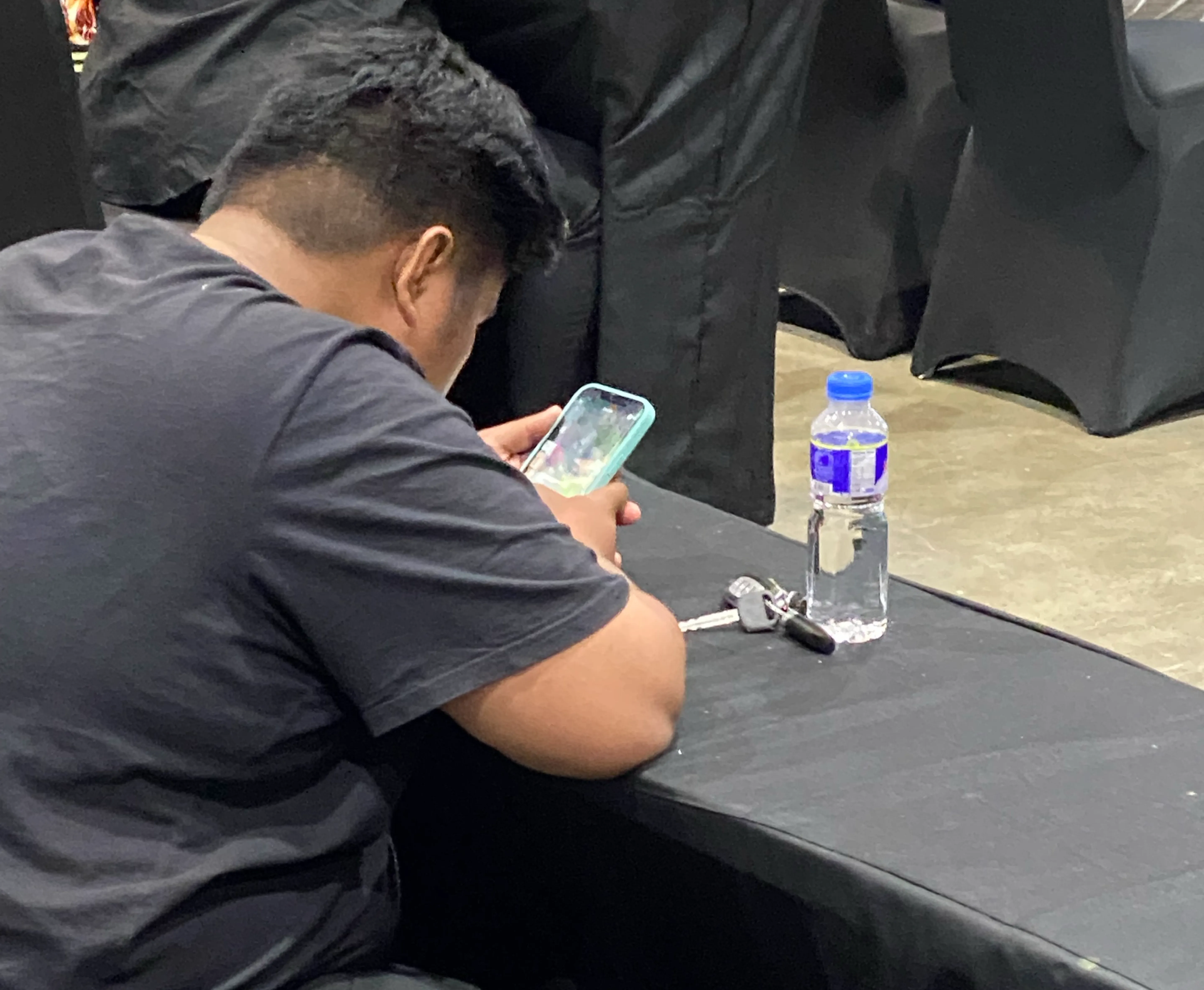
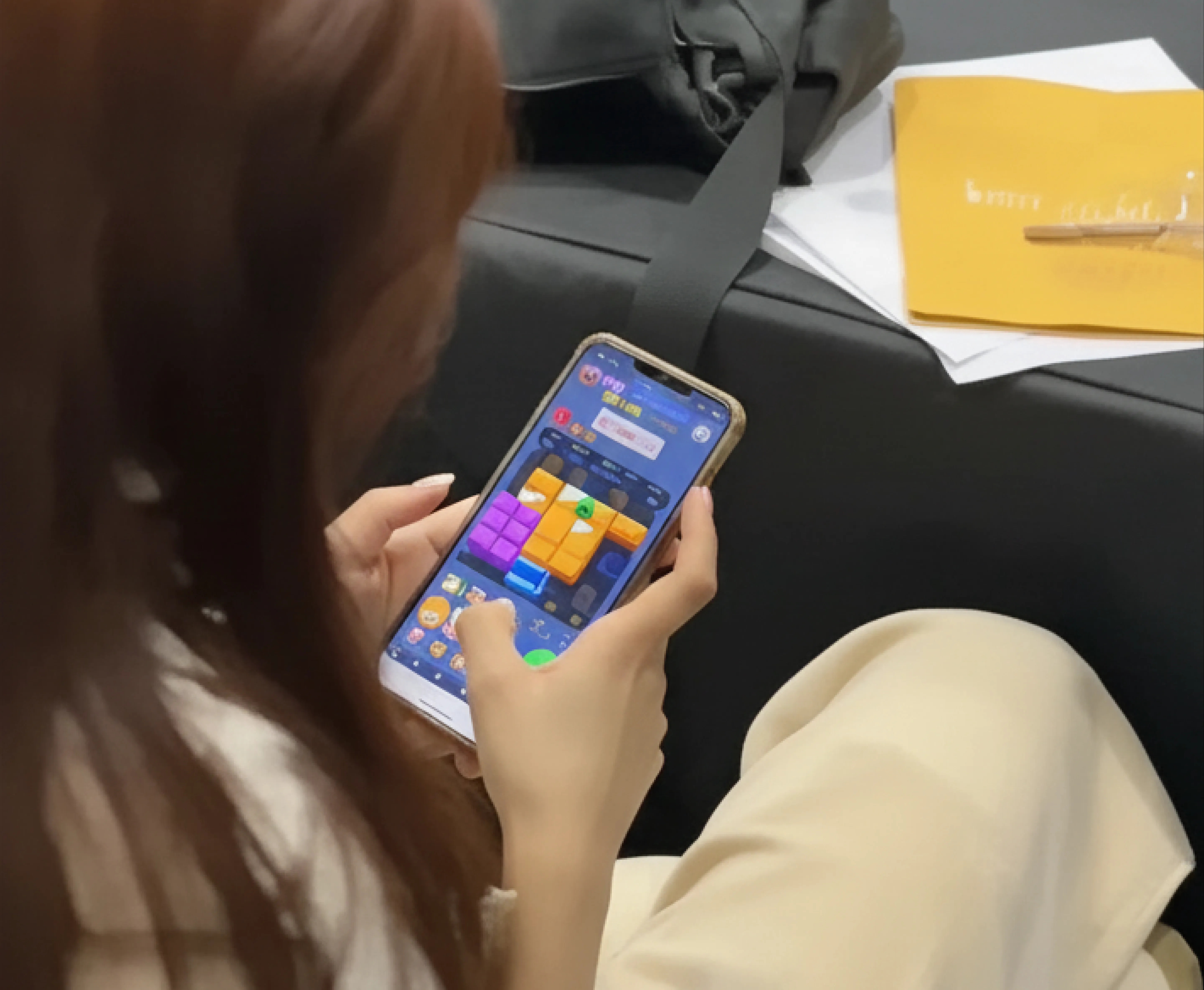
When attendees couldn't access or use the translation receivers effectively, they disconnected from the session entirely, turning to their smartphones and missing valuable content.
PROJECT TIMELINE
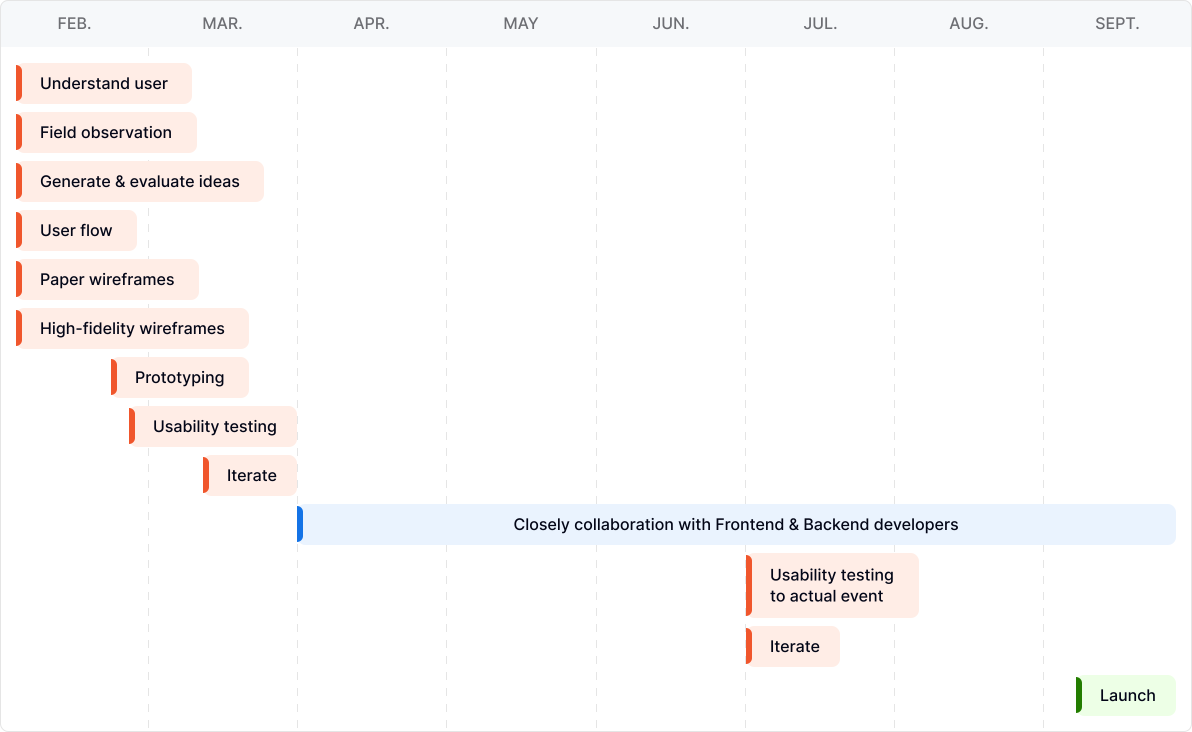
Began the journey to transform this vision into reality.
This is the roadmap of how we translated the Lexcode epiphany into a high-performance platform built for the future of interpretation.
TYPEFACE
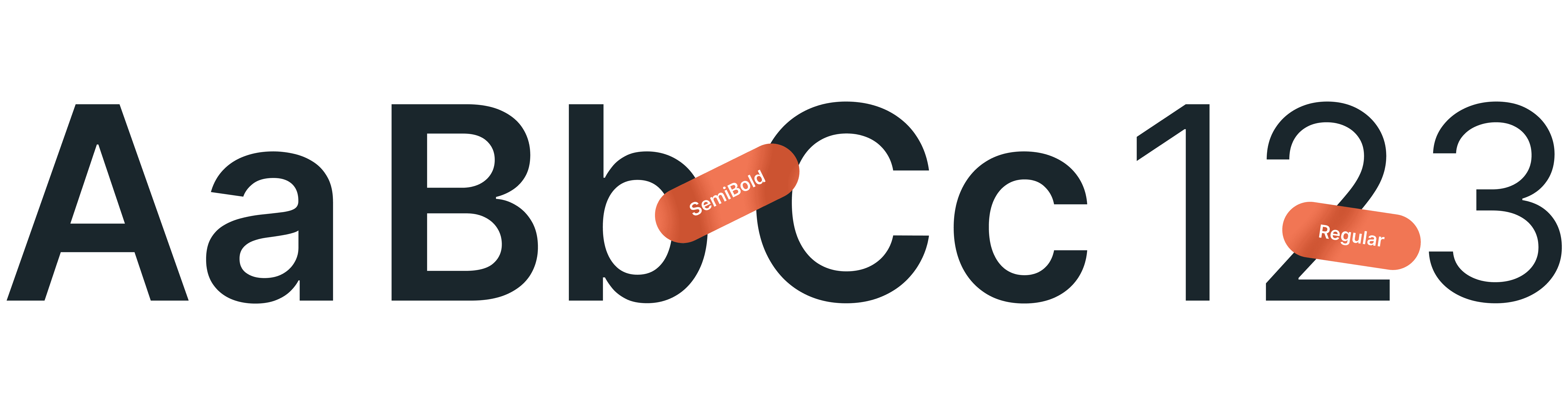
The quick brown fox jumps over the lazy dog
Header 1
36 pixels
Weight
Semi Bold
The quick brown fox jumps over the lazy dog
Header 2
24 pixels
Weight
Semi Bold
The quick brown fox jumps over the lazy dog
Header 3
20 pixels
Weight
The quick brown fox jumps over the lazy dog
Body 1
20 pixels
Weight
Regular
The quick brown fox jumps over the lazy dog
Body 2
16 pixels
Weight
Regular
The quick brown fox jumps over the lazy dog
Body 3
14 pixels
Weight
Regular
COLORS
More than aesthetics, color with a goal!
Primary
#F0562C
#3C150B
#782B16
#B44021
#F0562C
#F48061
#F7AA95
#F7AA95
#9668F6
#2C81F0
#1A9A1A
#F0562C
#E0E2E7
#030617
#6D6E73
#F5F5F5
#FEFEFE
#F8F9FA
#E5E5E5
DEFINE
Features & Prioritization
Established a functional foundation bridging research to interface, ensuring every feature addresses a specific user need before visual design.
EVENT ORGANIZER
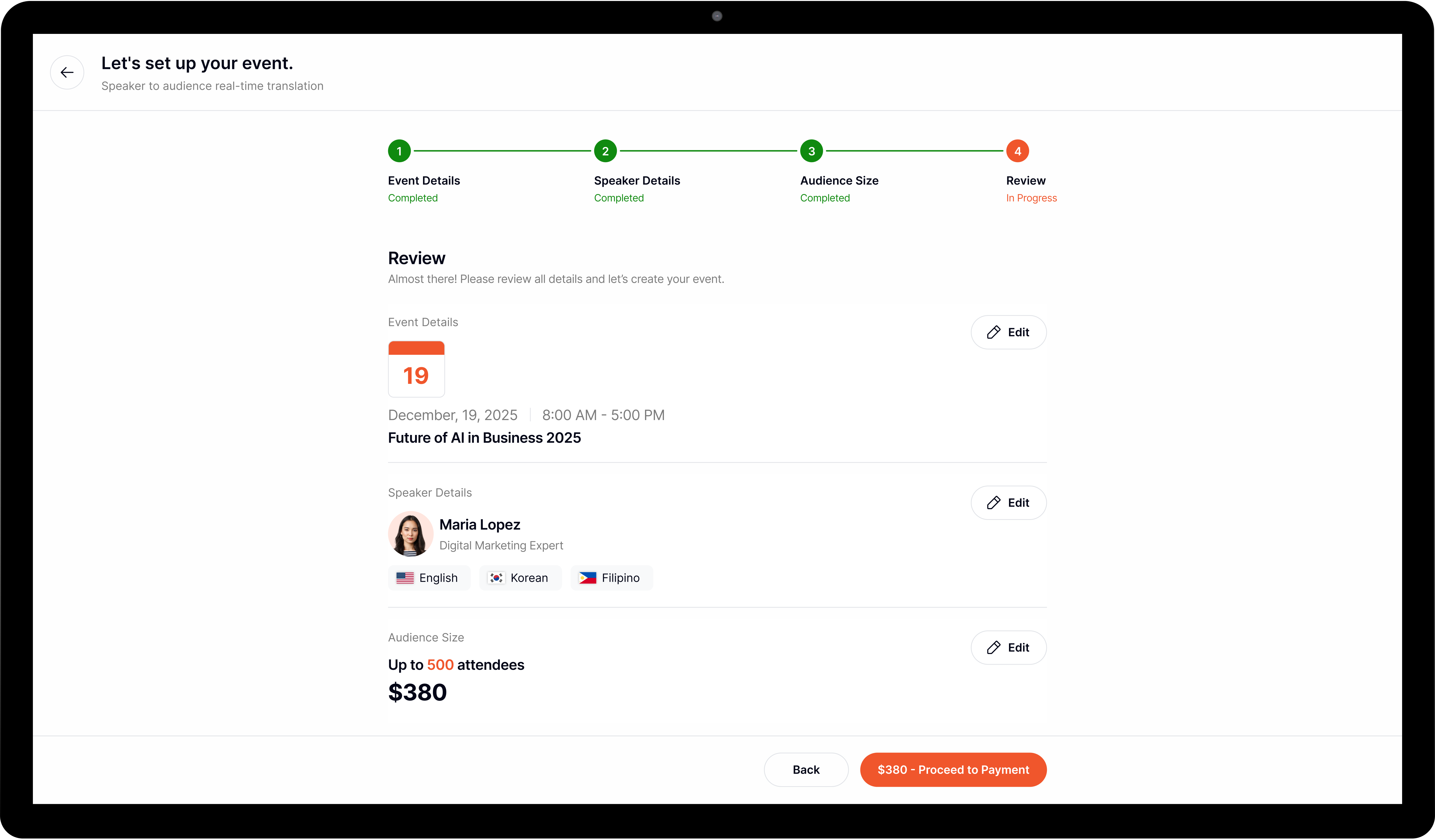
Organizers must set-up an event containing event information and speaker details.
Must generate QR Codes for both speaker and audiences for a seamless access to the event.
Be able to download or get the link for the QR Code. To ensure accessibility, a direct web link is provided for audience members using non-mobile devices, such as laptops.
SPEAKER
QR Code quick-access to event. No need for registration.
Must see a countdown when the event will start.
Must see event information
Before event starts, speaker must test their microphone.
Speakers can select their preferred microphone input before or during a session.
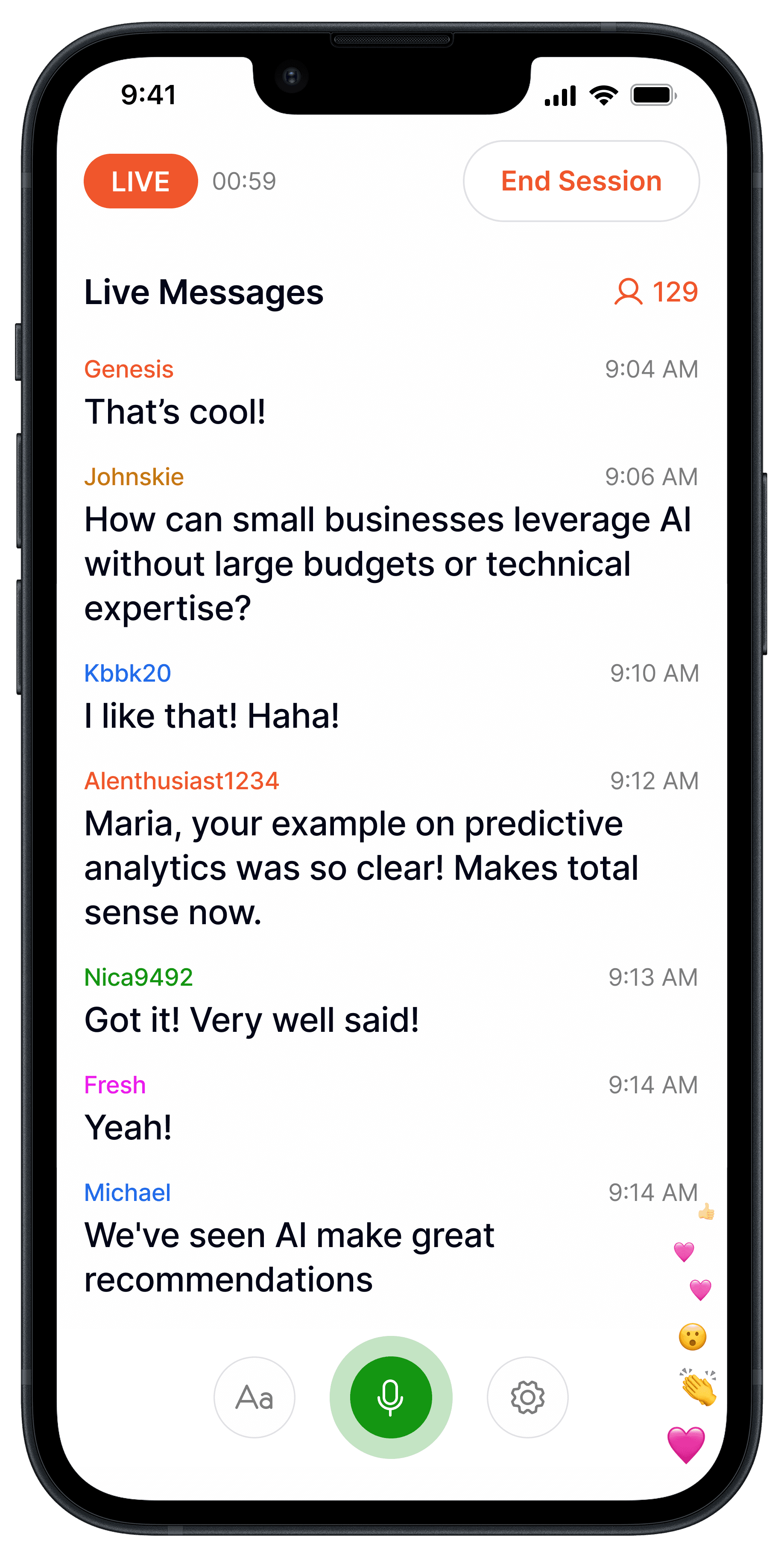
Must see audience's comments/questions.
AUDIENCE
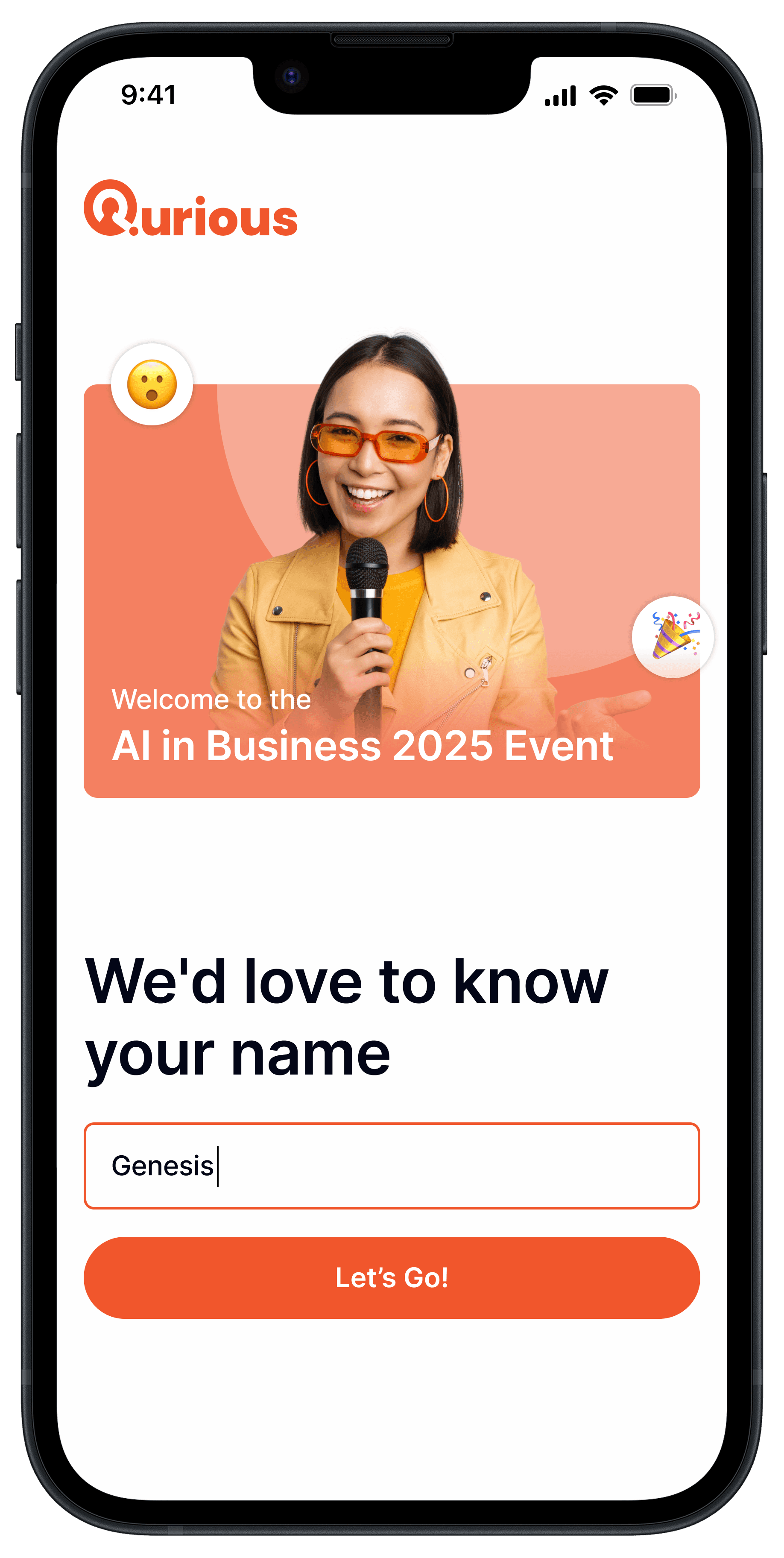
QR Code quick-access to event. No need for registration.
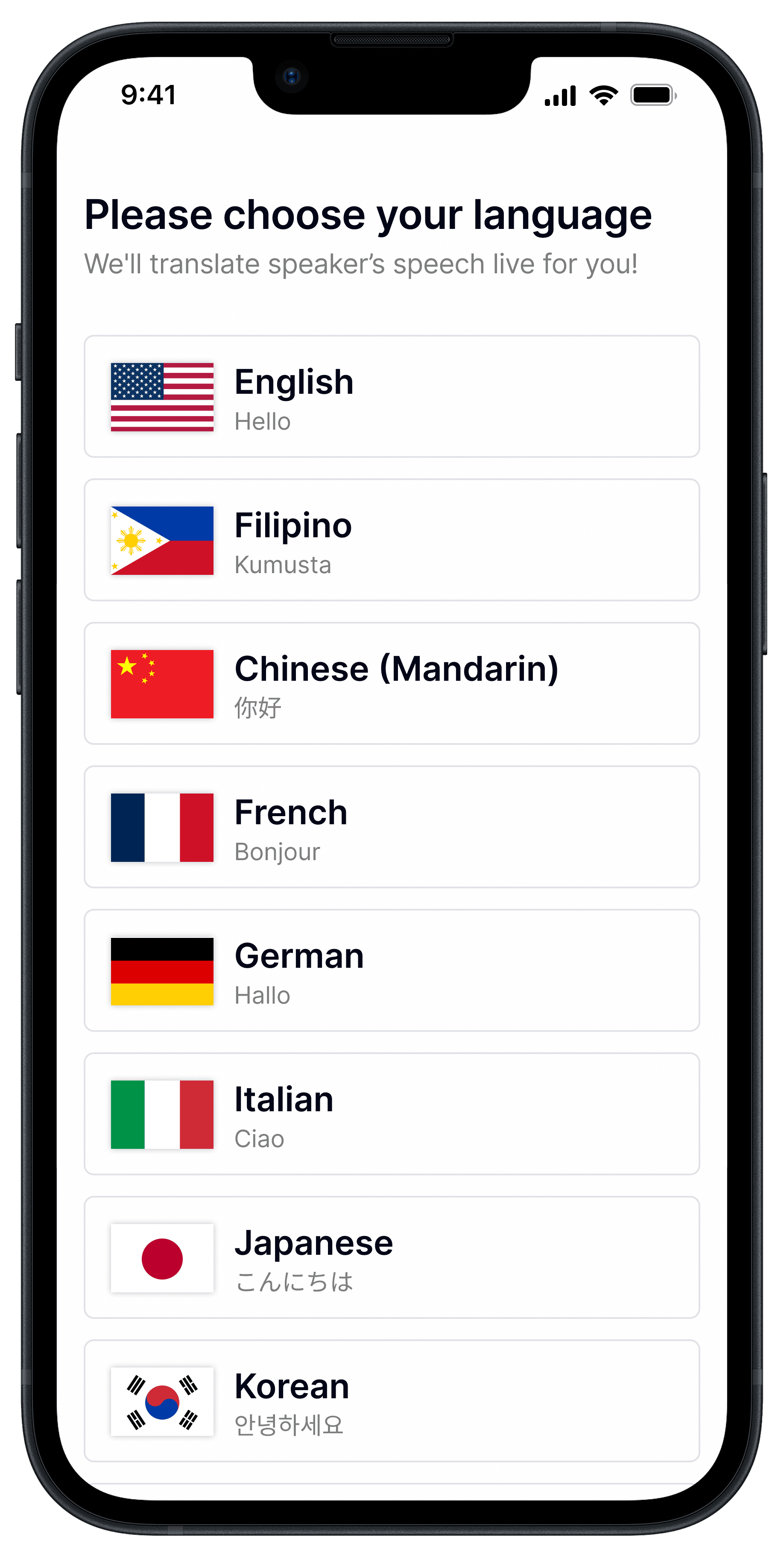
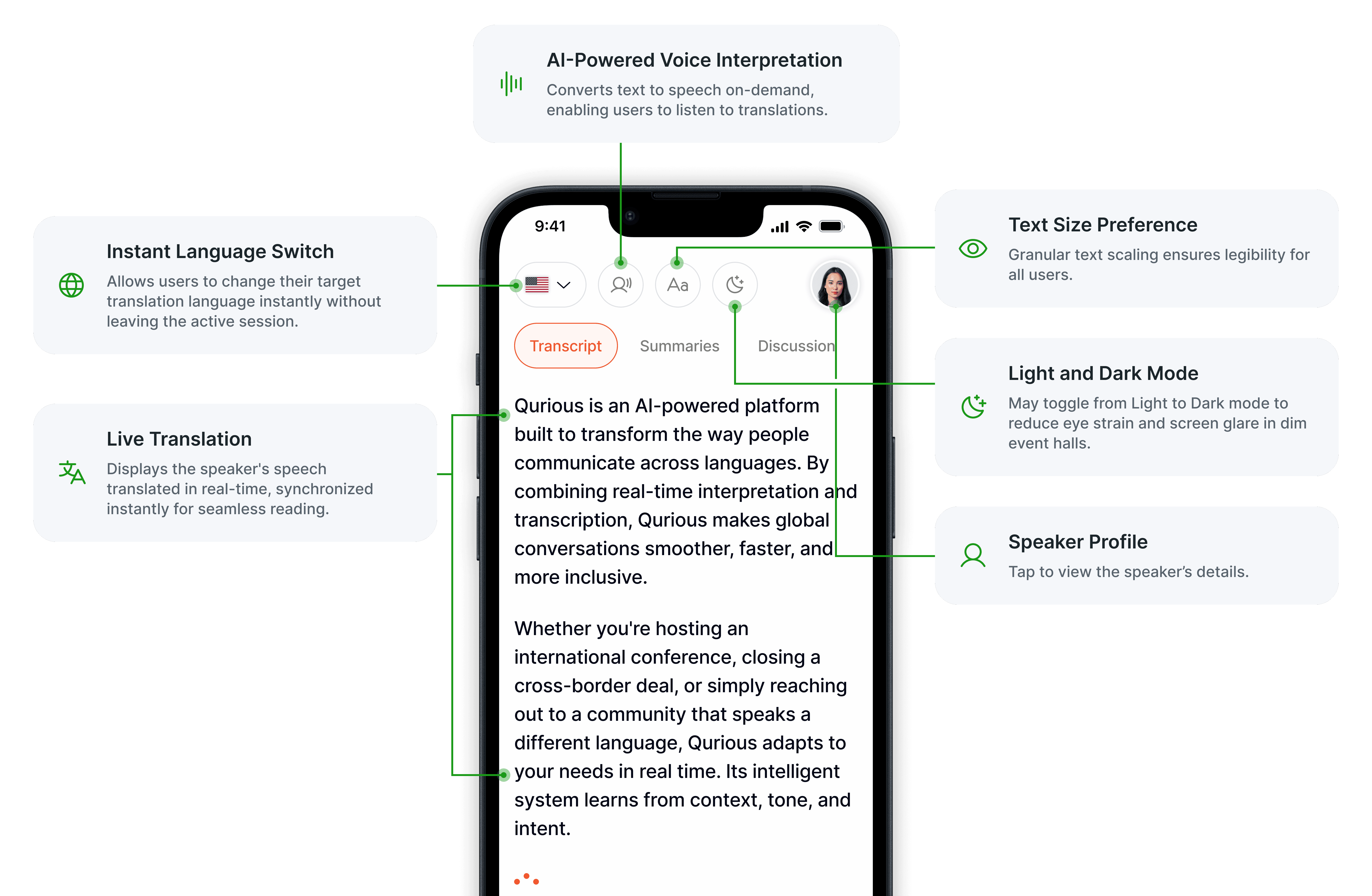
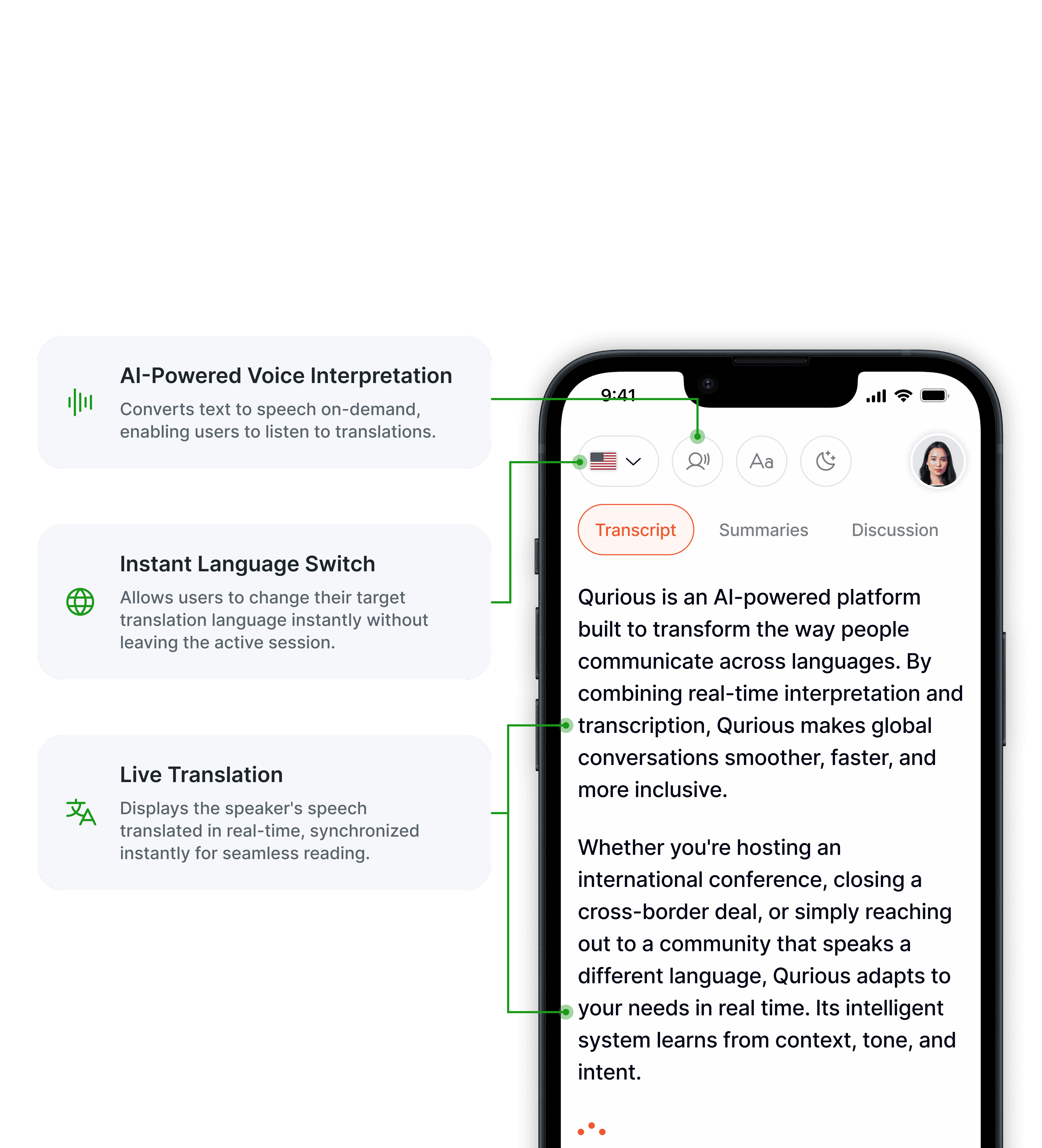
Language selection page before joining the room for instant translated transcriptions for all users upon entry.
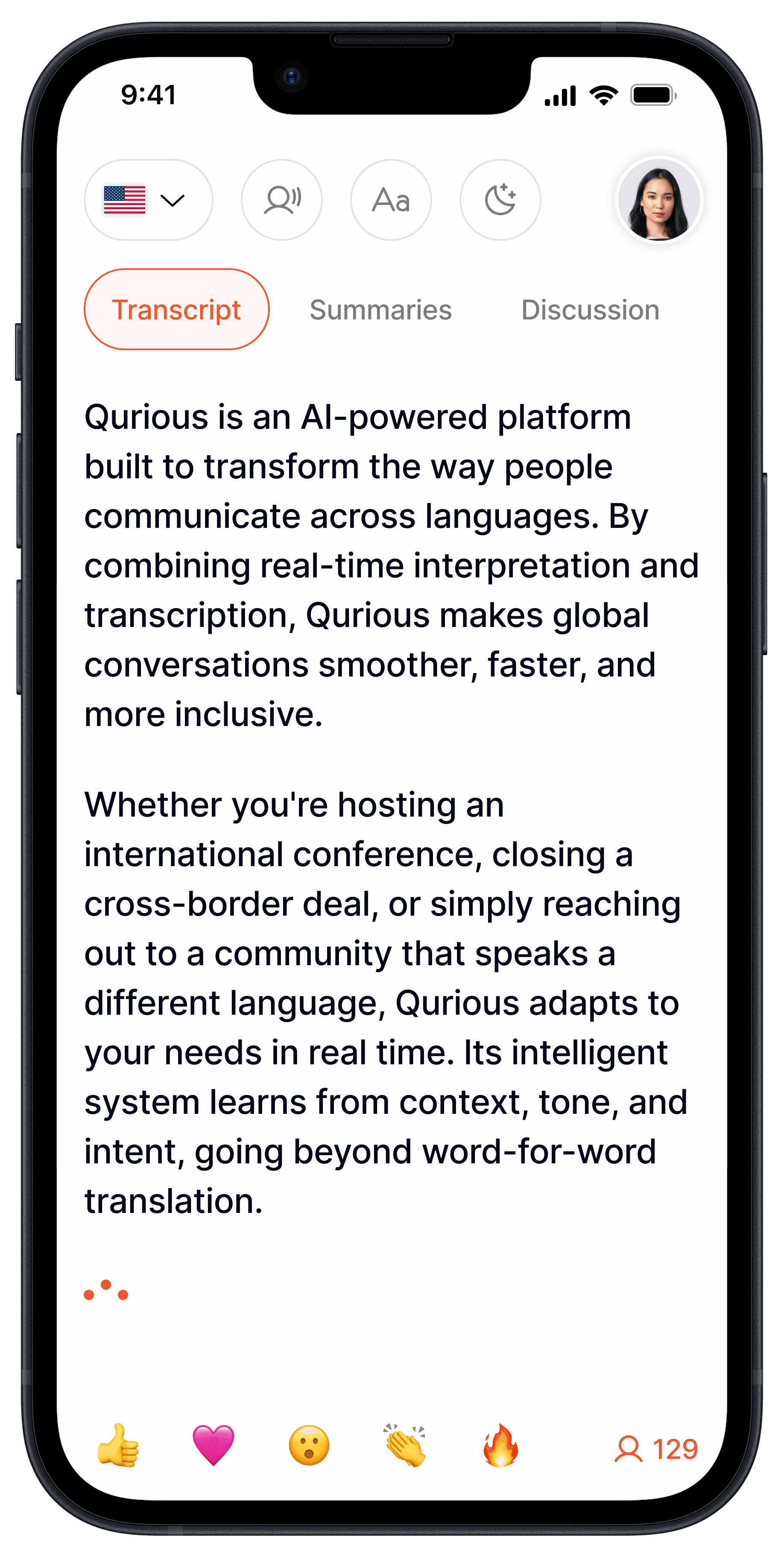
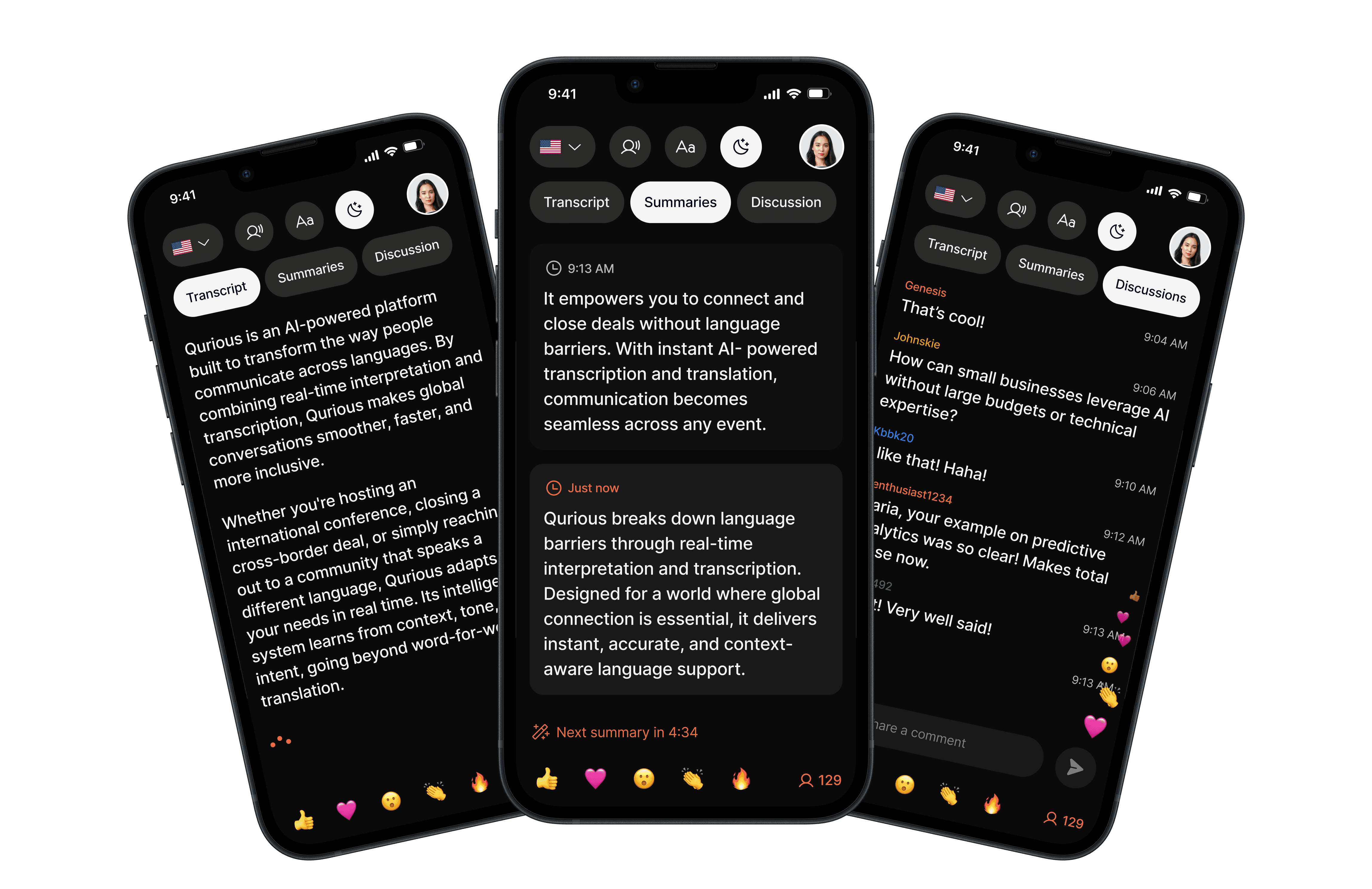
Transcription Tab: See the real-time translation of speaker’s speech.
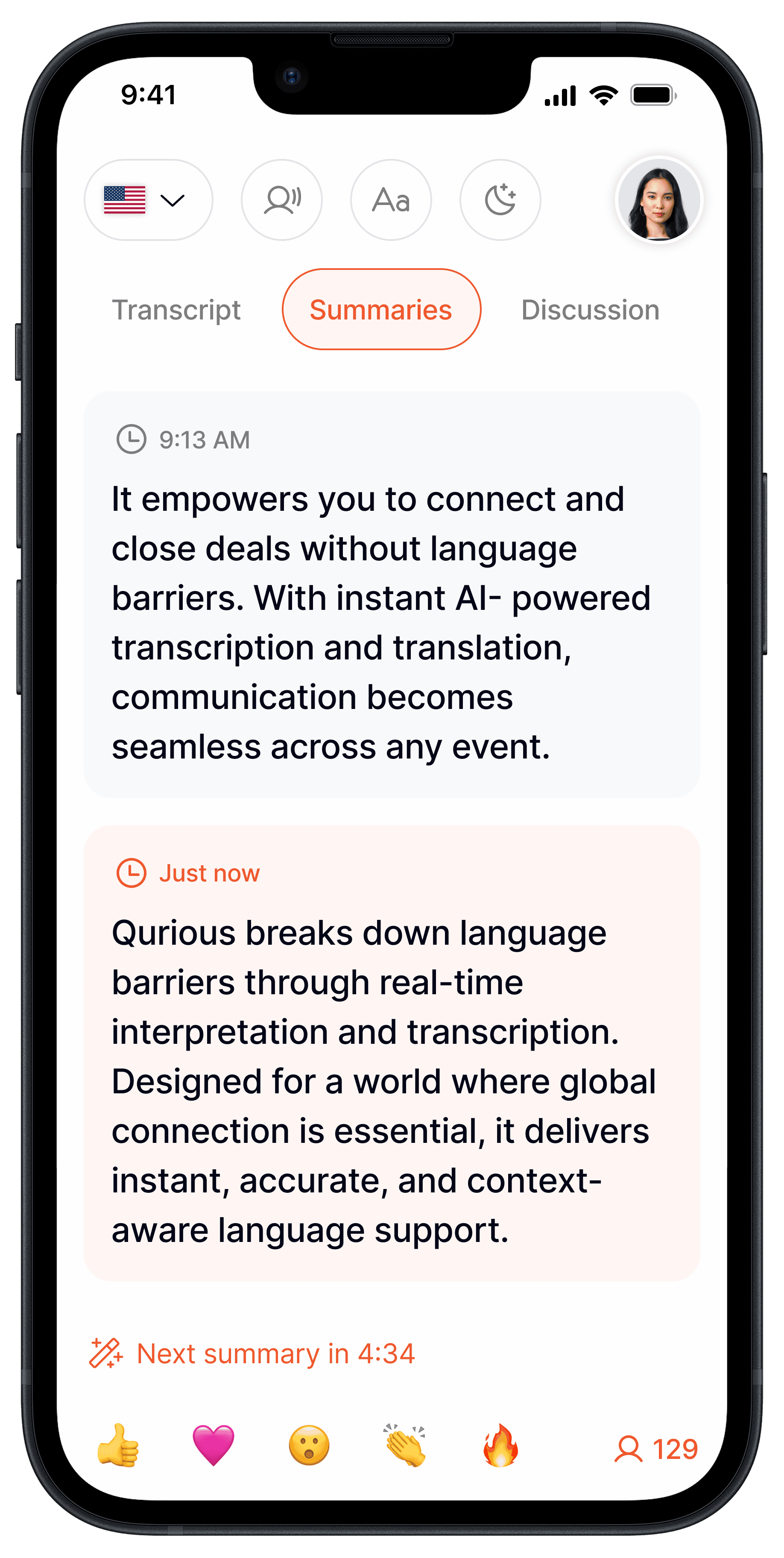
Summaries Tab: Lets attendees catch up on content they missed and gives those who prefer digesting information in short form a quick way to review key points.
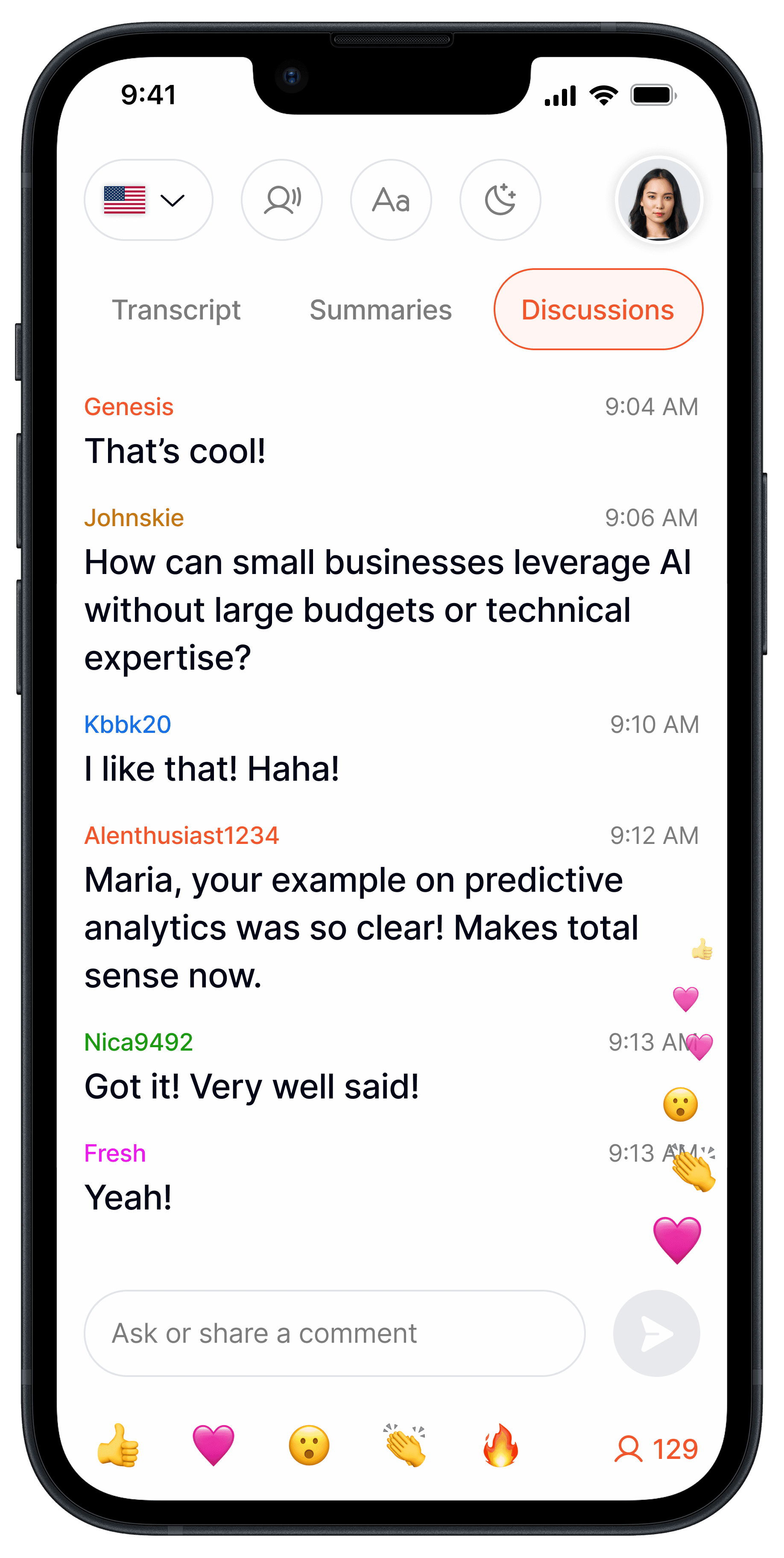
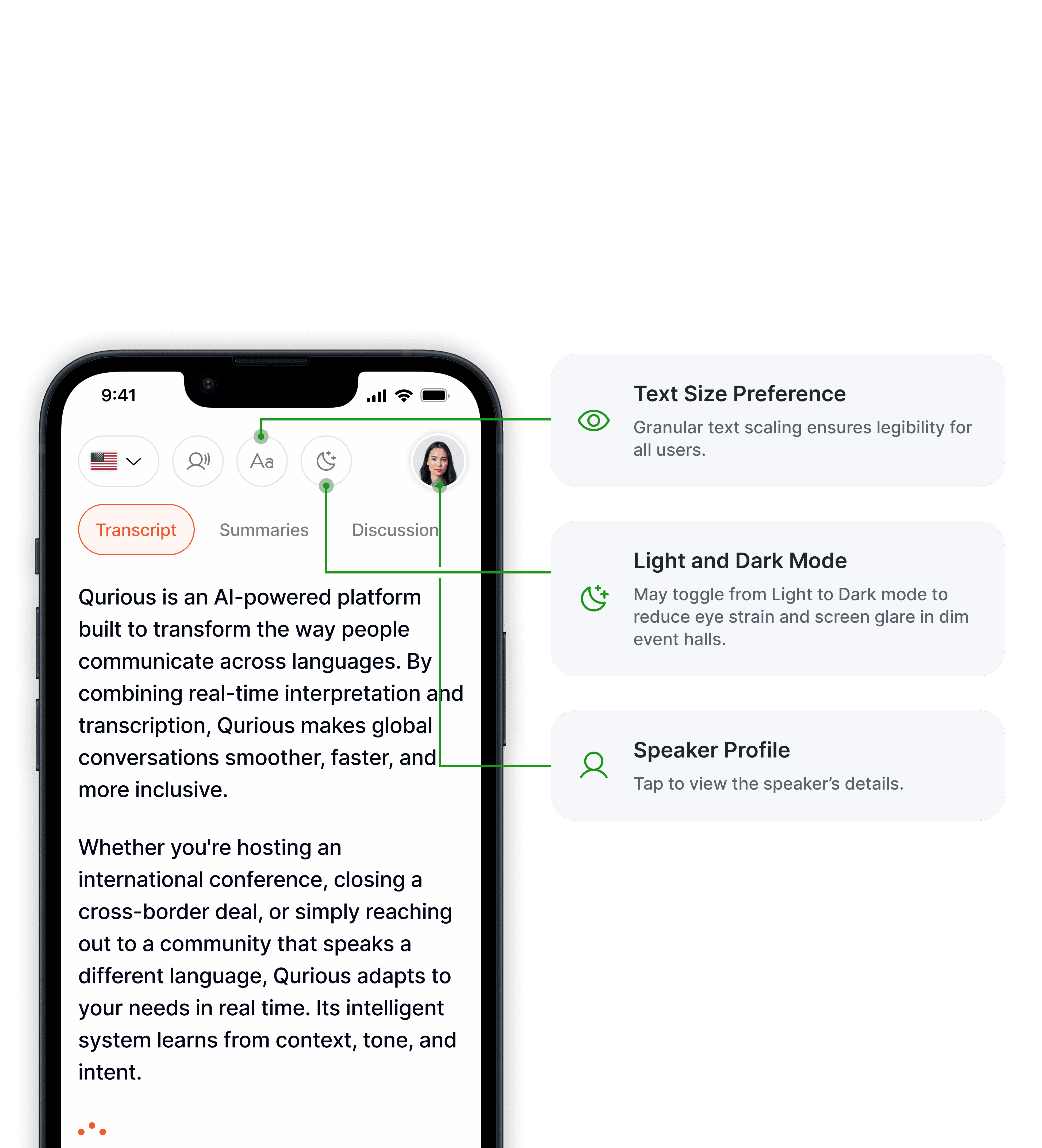
Discussions Tab: Allows attendees to post comments and direct questions to the speaker during or after a session.
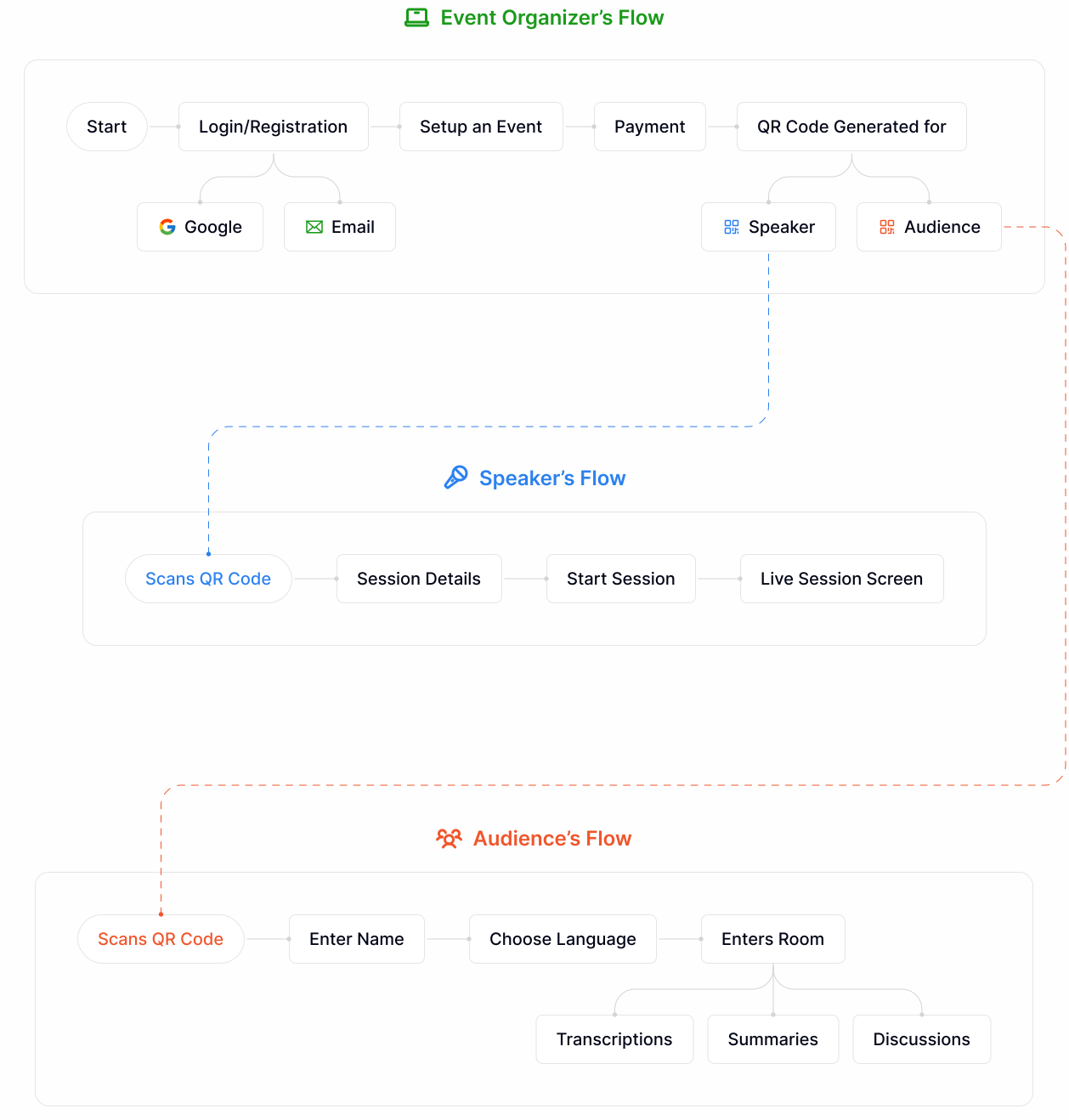
USER FLOW
Lead to the right path
I reduced the onboarding time for speakers and audiences to mere seconds via QR entry.
HIGH-FIDELITY WIREFRAMES
Let's start our event and break language barriers through Qurious!
A synchronized ecosystem connecting event organizers, speakers, and audience in real-time.
Organizer
Speaker
Audience
EVENT ORGANIZER

Let them feel like a journey, not a task.


QR Code Access for Speaker and Audience, passing complex sign-up flows to ensure the event starts on time and everyone have an access instantly!

SPEAKER
Speaker scans the QR Code


View audience's questions and
feedback in real-time.
AUDIENCE

AUDIENCE'S MAIN SCREEN
Real-time translation, instant summaries, and seamless attendee interaction, all in one place
Project takeaways
No matter how confident I felt about a design, real users always taught me something new. Usability testing with functional prototypes became my reality check, exposing assumptions, revealing confusion points, and highlighting opportunities I'd completely missed from my designer's perspective.
While research provided a strong foundation, field observations revealed real-world pain points that significantly enriched my understanding, making them highly valuable to the project.
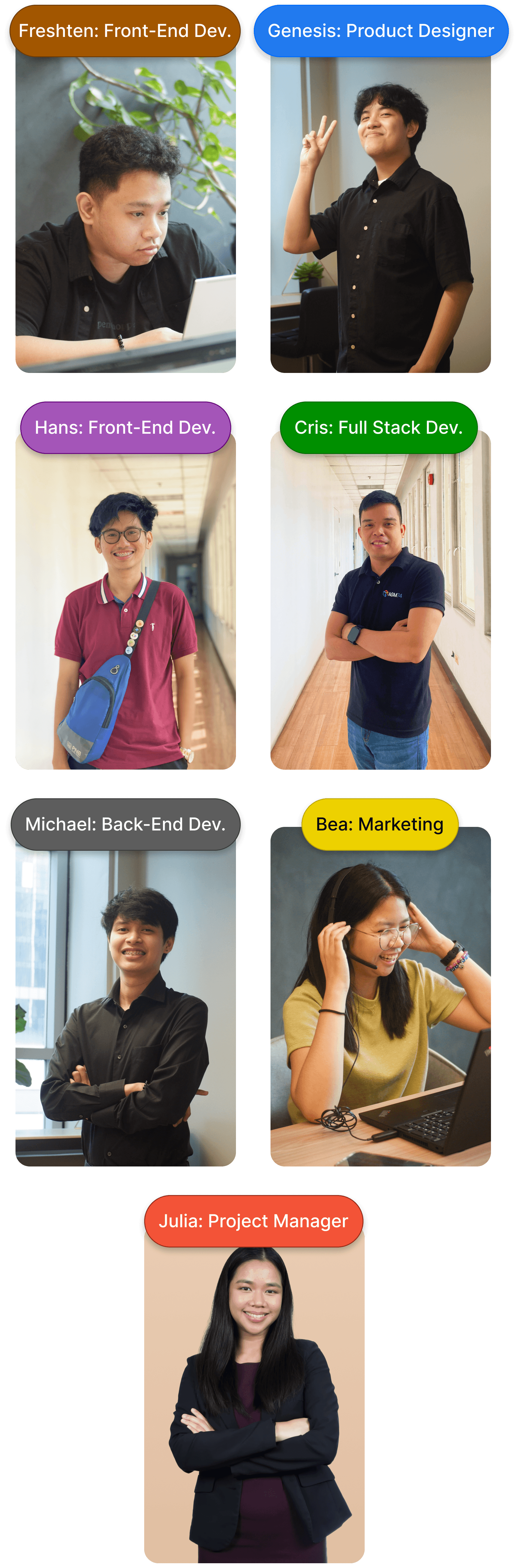
TEAM
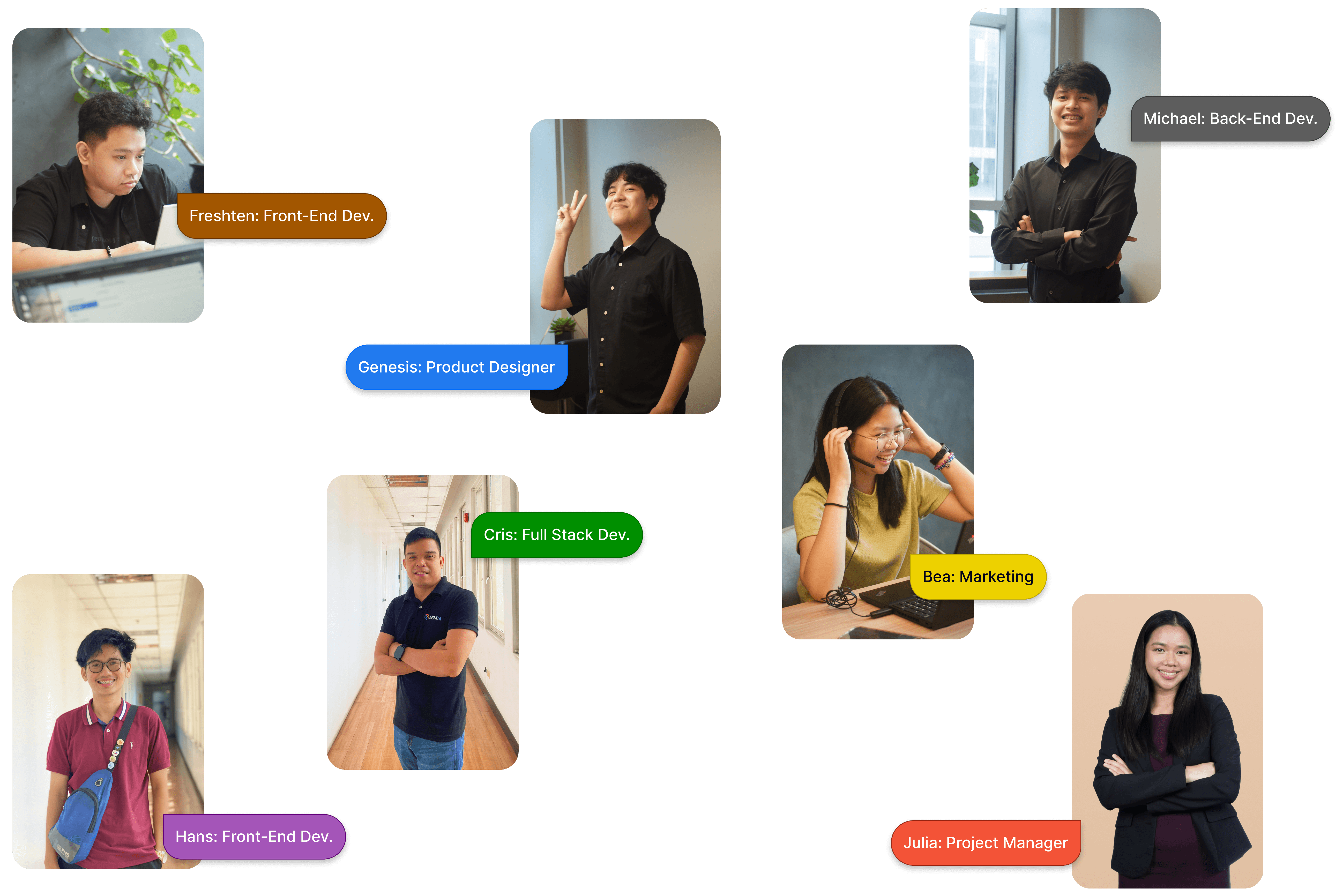
The Minds Behind Qurious
Behind every pixel and line of code is a team dedicated to breaking down global language barriers.
Curious about Qurious? You may visit: qurious.eqqui.com

You made it to the finish line!
Thank you for scrolling all the way to the end.